

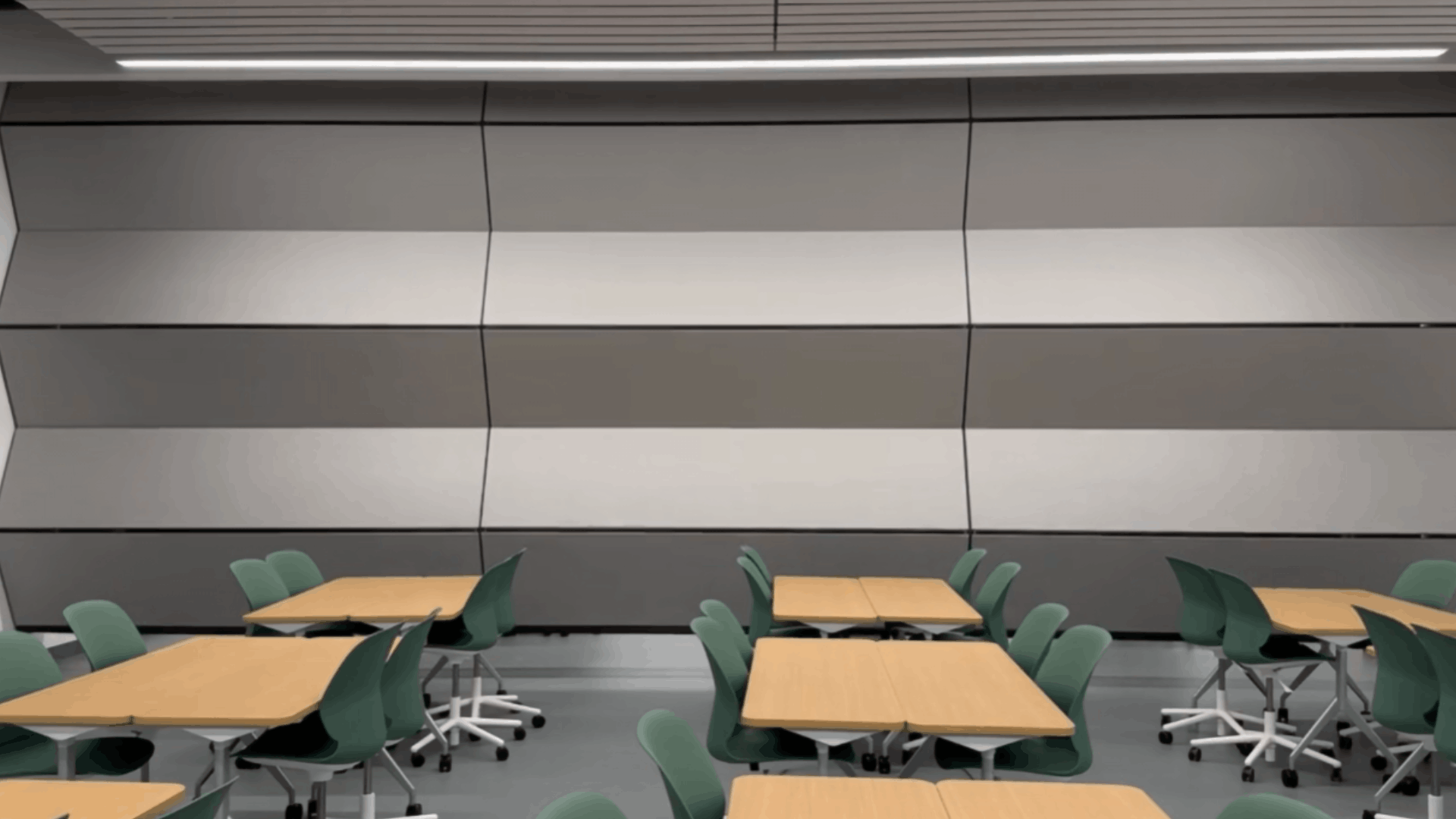
Skyfold Classic Owner Training
This is an owner training video for the Skyfold Classic vertically folding operable folding operable partition, installed at the University of Illinois Chicago’s Computer Design Research and Learning Center (CDRLC). This guide walks you through everything you need to know to safely operate these Skyfold Classic walls. The video includes pre-operation safety checks to step-by-step lowering and raising instructions. Designed for quick space division and exceptional acoustic performance, these fully automated partitions are built to make managing your space effortless.
Transcript:
Welcome to your Skyfold Classic Owner Training, brought to you by Modernfold Chicago. Three Skyfold Classic vertically folding operable partitions were installed at UIC’s New Computer
Design Research and Learning Center, CDRLC. These industry-leading fully automated, vertically folding partitions provide quick space division with excellent acoustics.
Safety first. Prior to operating the Skyfold wall, ensure the path of travel, highlighted in yellow, is clear of any objects or obstructions. Look at both ends and along the length of the opening, moving any tables, chairs, trash cans, etc., outside the width of the overhead pocket before operating the skyfold wall.
Safety again. After the space is free from any obstructions, locate the two control stations. The primary control station has a directional key and button. The secondary control station is just a button. For safety, Skyfold is a two-person operation, two lines of sight, one on each side, ensuring there are no objects in the way during operation. Once the directional key is in place, both people press and hold their respective buttons. It will take approximately 90 seconds for the Skyfold wall to fully cycle.
Before taking your fingers off the buttons, make sure the Skyfold wall is all the way down and fully flat at the floor. Give it a second to let the end seals extend and seal against the side walls, then remove your fingers from the buttons. Before raising the Skyfold wall, make sure the entire operating area is clear of any obstructions. Locate both control stations and turn the directional key to the up position. Press and hold both buttons at the same time. First the end seals will retract and then the Skyfold wall will begin to rise. Keep holding the buttons until the wall is fully retracted into the ceiling pocket. Once it’s completely stored, you can release the buttons.
FAQ
- How can I get more keys?
Contact Modernfold Chicago at 630-653-8800 or [email protected] - Do operable partitions require annual maintenance?
Yes. Planned maintenance is recommended for all operable partitions to keep them in safe and proper working order. Contact Folding Partition Services at 630-665-2100. - Can I stop the Skyfold wall during operation?
Yes. Let go of the button and the Skyfold wall will stop (either up or down). To start Skyfold again, ensure the directional key is properly turned and both buttons are pressed. - Is there a safety nose?
Yes. There is a pressure sensitive nosing on the bottom center of the wall. It is the enduser’s responsibility to ensure the space is clear of all obstructions prior to operation. - What happens if a panel is damaged?
If a panel is damaged, please contact Modernfold Chicago or Folding Partition Services to assess the damage. If minimal the panel can be recovered, at worst, it can be easily replaced. - Can we attach items to the Skyfold wall?
No. Items should not be affixed to the Skyfold wall. - Can our facilities/maintenance staff service or maintain the Skyfold wall?
No. All service/maintenance work is to be completed by a factory trained technician. Work performed by unauthorized people will void the warranty.

